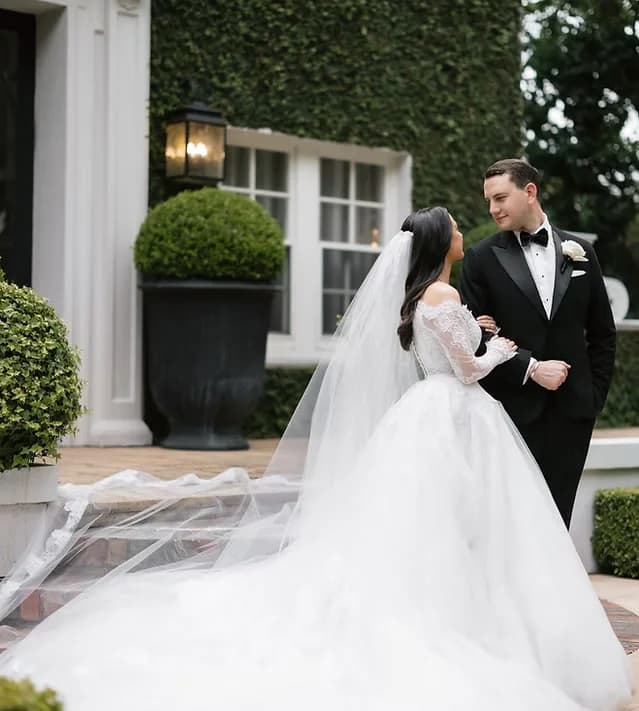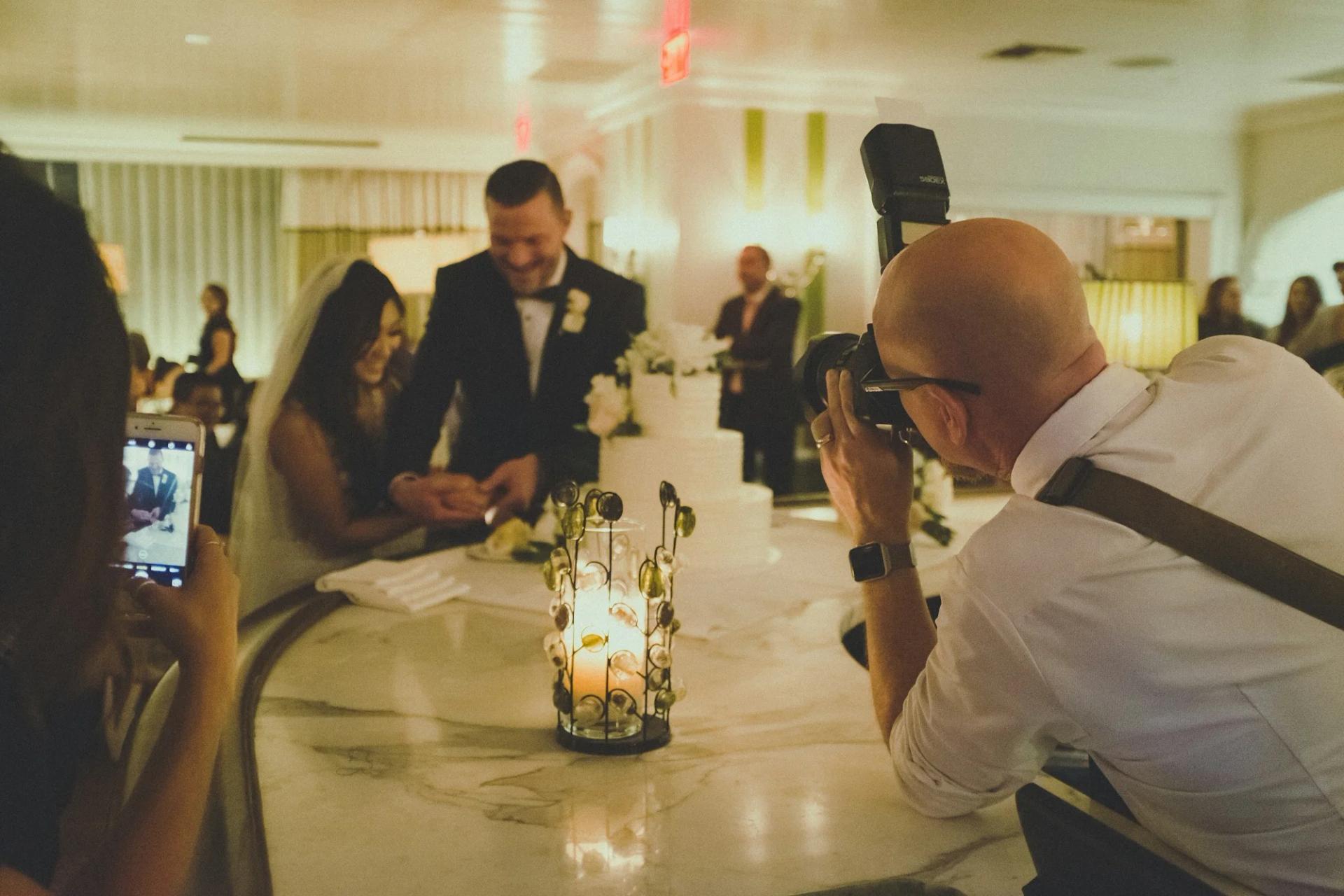
Your photographer captures the vows and the first dance, while your guests catch everything in between. A wedding photo app gathers those candid shots in one private album, instead of across a hundred phones and group chats. Wedded Wonderland recommends no specific apps here. Instead, this guide covers the main tool types, what to check, privacy and ownership, and destination weddings.
It is a shared album you control. Guests add what they shoot, you decide who sees it, and at the end you download the lot. It collects rather than plans: for guest lists, budgets and seating, see our guide to wedding planning apps.
A guest scans a QR code on a table card or taps a link on your wedding website, lands on the album and uploads from their camera roll. Some tools need an app and an account; others open in the phone's browser. The fewer steps between a guest and the upload button, the more photos you will receive.

Guest photos are a second layer, never a replacement. Your photographer brings composition, light and a plan; your guests bring the angles and in-jokes no professional could know about. Read what a wedding photographer package includes so you know exactly what their gallery will cover, and let the guest album fill the gaps around it.
Each type suits a different kind of wedding, and some couples use two together. Weigh each trade-off against your guest list and venue.
A dedicated app where guests join your event, upload and browse everyone else's photos. It suits app-confident guests and a celebration that runs over a weekend. The trade-off is the install: some guests will not bother.
A web page guests reach by scanning a code, with nothing to download and no account. It is the simplest route for a mixed or international guest list. The trade-off is that browsing can be more basic than in a full app.
These borrow the charm of the cardboard camera on every table. Guests are given a limited number of shots, and the photos stay hidden until a later reveal. The trade-off is fewer photos, and some guests will simply use their own camera.
Uploads appear on a screen at the reception as they arrive, which makes a lively talking point. The trade-off is control: anything uploaded may appear in front of everyone, so check that you can review uploads before they reach the screen.
Your photographer's delivered gallery may have room for guest uploads, keeping everything in one place. Ask whether it is included, how long it stays open and whether guest uploads download separately.
Older guests may find a new app a hurdle, and international guests on roaming plans may not want to download anything. A browser upload page removes that friction. If you prefer an app, offer the browser link as well, so every guest can still contribute.
Use these checks to compare any option, and ask the provider directly. A tool can miss one and still suit you, as long as you know the gap upfront.
Can a guest upload from the phone's browser, with no app and no account? If not, what does a guest share to sign up?
Are photos kept at original resolution or compressed on upload? Is video supported, at what clip length and in what quality?
Who can view the album: people with the link, guests you approve, or anyone? Can the link be forwarded, and can you stop guests downloading other people's photos? Can you hide or delete a single photo quickly, and review uploads before they reach a slideshow?
Can you download the full collection in one go, at full resolution, with videos included, and does it keep the name of the guest who uploaded each file?
Ask for the total cost, exactly what it includes, and whether full resolution downloads, video or longer storage cost extra.
Ask how long the album stays online and what happens afterwards, then download and back up well before any deadline.
Can photos taken with no signal send automatically once the phone reconnects? On a clifftop or a boat, check this first.
This section is general information as at November 2026, not legal advice. It covers asking guests before you share, photos of children, privacy law and copyright.
Australia's eSafety Commissioner advises that you should always ask for consent before sharing a photo or video. Genuine consent means the person understands what they are agreeing to and has not been pressured into it, and the advice applies to pictures from a phone, tablet, smart glasses or any other device.
Consent can change. If someone who said yes changes their mind, delete the photo from where it was posted or edit them out of the shot. If a guest asks you to remove a photo, do it, no questions asked.
Once something is shared online, you can lose control of how others share or use it, which is the strongest argument for a private, invite-only album. A short photo policy from the two of you gives guests a clear rule.
Children need particular care. eSafety advises parents to check with other parents before posting, sharing or tagging images that include their children, to share only with people they know and trust, and to use privacy settings to limit who sees them.
The Office of the Australian Information Commissioner (OAIC) treats photos and videos as personal information under the Privacy Act 1988 when a person's identity is clear or could reasonably be worked out. The Act does not cover individuals, so it does not apply to photos taken by someone acting in a personal capacity, though state or territory laws may apply in some situations.
If a photo is posted without permission, the OAIC suggests first asking the person who posted it to take it down, then the site's administrator. A complaint to the OAIC is possible where the host is an organisation or agency covered by the Act.
A line on your welcome sign does a lot of work: please ask before sharing anyone else's photo publicly, and we will remove any picture on request. For a fully private celebration, the line can simply ask guests not to post anything at all.
Under section 35(2) of the Copyright Act 1968, the author of an artistic work is, by default, the owner of its copyright; for a photo, that is generally the person who took it. The full Act is on the Federal Register of Legislation.
Section 35(5) covers commissioned photos. Where someone agrees, for valuable consideration, to have a photograph taken for a private or domestic purpose, which includes a portrait of a wedding party, that person owns the copyright. The photographer can restrain uses outside a purpose made known at the time, and the rule can be changed by agreement. It turns on a paid agreement, which describes the photographer you hire, not a guest shooting on their own phone.
In practice, ask a guest before you print, frame or post their photo, and read the usage and copyright clause in your photographer's contract before you sign.
Good collection starts before the invitations go out and ends weeks after the last dance. Work through these four stages in order.
Tell guests before they arrive, with a line on your invitation and a section on your website; see our notes on what to include on your wedding website. If you are sending digital save-the-dates, a wedding RSVP website gives you one link to share with everything guests need.
Whether you run your guest list in a planning app or a spreadsheet, it is the same list you will use to share the album afterwards. Wonderland Studio is our planning app for seating charts and RSVPs; read what Wonderland Studio does if you are weighing it up.
Place a small QR card on every table and a larger one at the entrance beside the seating chart, where every guest pauses; our interactive seating chart ideas show how a QR display can sit at the door. Match the cards to your stationery and test every code on several phones.

Consider asking guests to keep phones away during the ceremony, so the aisle is clear for the photographer and every face is turned towards you. Have your celebrant ask, then save the upload invitation for the reception, when the MC can point guests to the cards.
Leave the album open for a few weeks for late uploads. Then download everything at full resolution, keep two copies in different places, and share a curated selection, minus anything a guest asked you to remove.
A venue overseas adds patchy signal, roaming guests and celebrations that run over several days. Plan for all three before you print a single QR card.

Ask whether guest Wi-Fi reaches every space you are using, from the ceremony site to the garden, whether it copes with many guests uploading at once, and whether the password can go on your cards. Ask how mobile signal holds up across the grounds, and how venue staff and suppliers will be briefed on your photo policy.
If signal is uncertain, choose a tool that queues photos offline, or tell guests that uploading from the hotel or from home is welcome. A wedding photo sharing app that stays open for weeks suits a guest list spread across continents: friends flying home to London or Singapore can add pictures after they land.
A welcome dinner, the wedding and a farewell lunch are three sets of memories. Ask whether uploads can sort into an album per event, or label the QR cards by day.
Written by

SEO Specialist
Ayrton Christian Braga is an SEO Specialist at Wedded Wonderland, where he writes optimized articles and web pages that center on destination weddings, cultural wedding traditions, and guides for everything in between.
Search real weddings, venues and vendors from around the world.
Search Wedded Wonderland