Online RSVPs are free on every major wedding website platform, and they replace the reply card entirely. Zola, The Knot, Joy and Minted all include RSVP collection at no cost, with meal choices, plus-ones and dietary needs. The real differences are in what the form lets you ask, and what happens to the people who never reply.
A reply card gives you a name and a yes. An RSVP website gives you:
Yes, no and awaiting, updating live
Meal choice per person, not per household
Dietary requirements as a separate field, which caterers need and menus do not capture
Plus-one confirmation, with the name
Song requests, arrival times, accommodation needs, whatever you add
A timestamp, so you know who has actually seen it
The thing it really gives you is the chasing. You can see exactly who has not replied without wondering whether the post lost it.
*Feature claims verified 27 Aug 2026 against the platforms' own pages via the wedding-website SERPs. Pricing changes, re-check before publish.*
Platform | RSVP on free tier | Notable |
Zola | Yes, with guest list management | RSVP, guest list and registry in one account |
The Knot | Yes, integrated | Sits alongside budget and checklist tools |
Joy | Yes | Guest-facing mobile app, strong for multi-event weekends |
Minted | Yes | Matches printed stationery |
RSVPify | Yes, on a free tier | RSVP-first rather than website-first. Custom seating chart builder and automated reminder emails |
Riley & Grey | No, premium | Design-led, for couples who want the site to look bespoke |
⚑ The distinction that matters: Zola, The Knot, Joy and Minted are websites that collect RSVPs. RSVPify is an RSVP tool that happens to have a page. If you already have a website you like, the second shape is what you want.
Print a QR code on the invitation, guest scans it, form opens on their phone, done. It removes the step where someone has to type a URL correctly.
Zola generates QR codes for paper invitations directly, which is the cleanest version of this if you are already using them.
Where it works: save-the-dates, welcome signs at the venue, table cards for the day-after brunch.
Where it does not: guests who do not scan QR codes, which is a real segment and skews older. Always print the plain URL underneath. A QR code without a fallback loses you exactly the guests most likely to reply by phone instead.
Ask for less than you think, then one more round later.
On the RSVP itself:
Attending, yes or no
Names of everyone in the party, including the plus-one
Meal choice per person
Dietary requirements, as free text not a dropdown
One optional fun field, song request works
Later, separately: accommodation, transport, arrival times. Asking everything at once depresses your reply rate, and the people who reply late are the ones you least want to chase twice.
There will be some. Plan for it.
Set the deadline three to four weeks before the wedding, not two. Your caterer's real deadline is later than the one you give guests, and that gap is your buffer.
One reminder a week after the deadline, to non-responders only. Not to everyone.
Then phone them. Not email. Anyone who has ignored two digital prompts is not going to answer a third.
Mark silence as a no at your internal cutoff, and tell your caterer that number.
Build or choose your wedding website first; RSVP is a feature of it, not a separate thing
Import your guest list rather than retyping it
Turn on meal choices and dietary fields before you send anything
Send yourself a test RSVP from a phone that is not yours
Send the link with the invitation, and print the URL as well as the QR code
Set the deadline, then set your own real deadline two weeks after it
Is there a free wedding RSVP website?
Yes. Zola, The Knot, Joy and Minted all include online RSVPs on their free tiers, including meal choices and plus-ones. RSVPify has a free tier if you want RSVPs without building a whole site.
Zola or The Knot for RSVPs?
Zola if you want the registry, guest list and RSVPs in one account. The Knot if you want budget and checklist tools alongside. The RSVP handling itself is close to equivalent.
Keeping a backup offline? Copy our free guest list spreadsheet.
Can guests RSVP without an account?
On all the major platforms, yes. Guests open a link and reply. Anything that makes a guest create an account to say yes to a wedding is the wrong tool.
How do QR code RSVPs work?
The code links to your RSVP page. Guests scan it with a phone camera and the form opens. Print the plain URL underneath for anyone who does not scan.
Is it okay to have wedding guests RSVP online?
Yes, and it is now the norm rather than the exception. The one caveat is your oldest guests: if a meaningful number of them do not use email comfortably, send those few a paper card and enter their replies yourself. Online RSVP with a small paper exception is better than either one alone, and nobody will notice.
When should the RSVP deadline be?
Three to four weeks before the wedding, which should be earlier than your caterer's actual cutoff. That gap is what saves you when six people reply late.
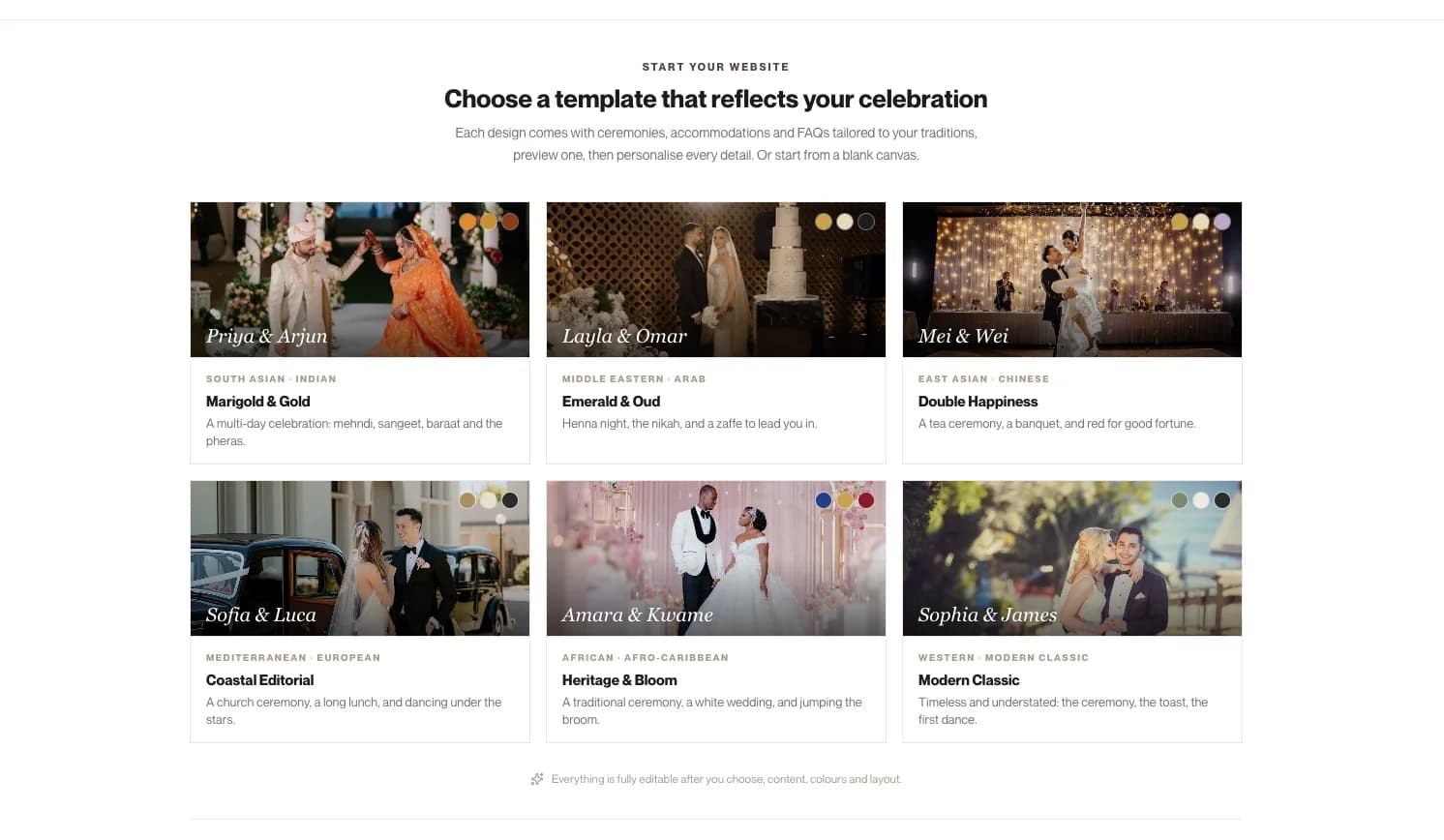
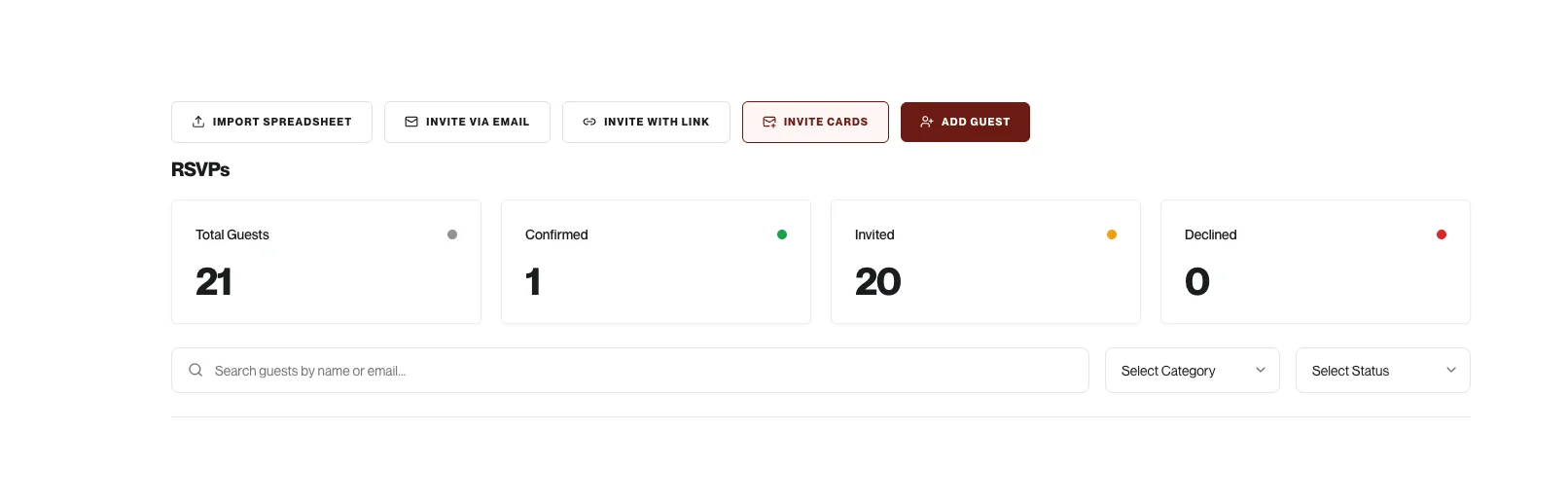
If you need RSVPs and nothing else, the free platforms above do it well and you should use one. There are four ways to invite people in Studio: import a spreadsheet, send by email, share a link, or use an invite card, and every guest gets their own personal RSVP link.


Studio's website creator collects RSVPs, and because it sits on the same data as the rest of the suite, one reply moves four things at once. Your headcount updates. The guest drops onto the seating plan with their meal choice already attached. Their dietary requirements populate the menu builder, which you then hand to the caterer. And because the guest list asks which city and country each person is travelling from, your accommodation numbers move too.
The seating plan is the part that shows the difference. Meal choices sync onto it live, and it exports print-ready for the venue and the caterer, with a QR code. On a free builder the RSVP arrives in a list and everything after that is yours to retype.
It does not include a gift registry. If registry integration is driving your choice, Zola or Joy is the better answer.
See how RSVPs work inside Wonderland Studio, or all eleven planning tools.
Written by

Senior SEO Specialist, Wedded Wonderland
Mark Tuason is the Senior SEO Specialist at Wedded Wonderland, where he writes and refreshes the brand's guides to destination weddings and cultural wedding traditions. He starts with the questions couples search for, checks the answers against trusted sources, and shapes each guide to help them plan, compare and book with confidence. Based in the Philippines, he specialises in content strategy and on-page SEO.
Search real weddings, venues and vendors from around the world.
Search Wedded Wonderland