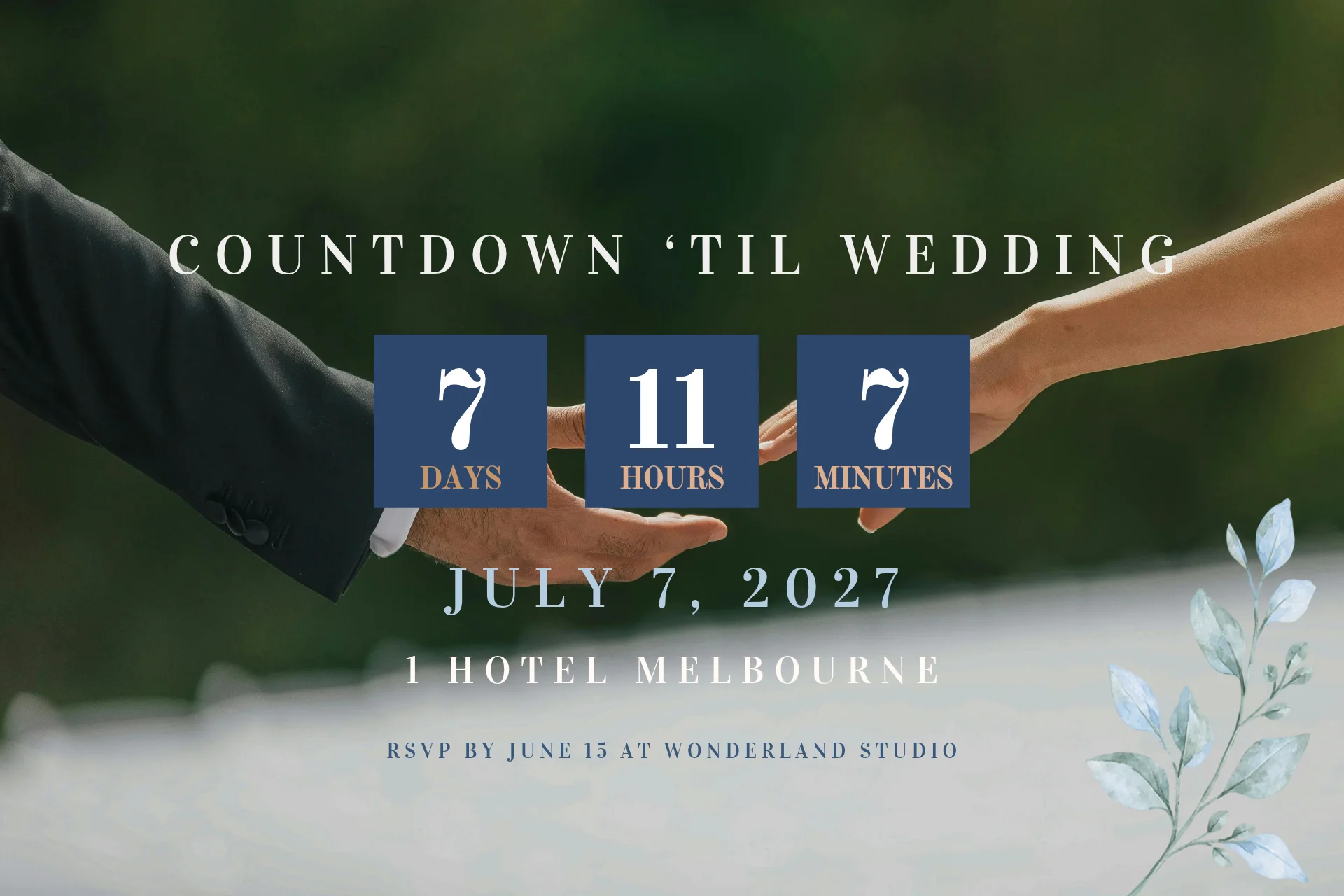
A wedding countdown app does more than track the days until the celebration. The right tools can turn the time remaining into a practical planning schedule, helping couples keep decisions, bookings and important milestones on track. At Wedded Wonderland, we plan weddings and celebrations abroad, bringing structure and clarity to every stage of the journey.
A wedding countdown app shows the time remaining until your wedding in days, weeks or months, usually as a widget on the phone's home screen. The simplest do only that, and the more capable add engagement photos, sharing with a partner and reminders.
A countdown is a prompt, and it carries the most value when each stage of the count is linked to a decision. The sections below cover the tools first and then how to use the count.
Five kinds of tools cover most needs.
Phone widgets sit on the home screen and show the days remaining at a glance. They suit couples who want the date in front of them.
Standalone countdown apps offer more detail, such as hours and minutes, photo backgrounds and sharing.
Planning apps with a countdown combine the count with checklists and guest lists, which suits couples who want one tool.
Wedding website countdowns show guests how long remains and help build anticipation for a celebration where they travel.
Lock screen widgets put the count on the phone before it is unlocked, where the phone and the app support it.
The apps below were checked against their store listings in November 2026. Features, pricing and availability change often, so confirm each before downloading. None of this is sponsored and we receive nothing from any of them.
Wedding Countdown Widget for iPhone. Available from the App Store for iPhone, Mac and Apple Vision, it is free to download and shows your own photos behind the count. It works offline, lets you share the countdown with family and friends, and offers optional in-app purchases from a monthly to a lifetime tier. It suits couples who want a simple, photo-led widget on an Apple device.
Wedding Countdown Widget for Android. A separate app on Google Play that adds mini countdowns, an engagement photo slideshow, a wedding weekend and honeymoon checklist, a weather forecast and a choice of colours. The listing notes ads and in-app purchases. It suits Android users who want the count and a checklist together.
Wedding Countdown Widget with flexible units. Another Google Play option that counts down in years, months, days, hours, minutes or seconds, and in lighter units such as heartbeats or kisses. It suits couples who want a playful count on an Android home screen.
The Big Day. A planning app for iOS and Android that brings checklists, guest lists, expense tracking and countdowns together, with free countdown widgets and a way to invite a partner, friend or family member. It suits couples who prefer one app for the whole plan, and the pricing is not stated on its site, so check the store listing.
Days To. A countdown and reminder app on Google Play for weddings, anniversaries, birthdays and other occasions. It suits couples who want a single tool for several dates, such as the wedding, the honeymoon departure and the first anniversary.
Event Countdown. A countdown calendar, widget and reminder app for iPhone, iPad and Android, free to download, with a monthly or yearly subscription or a one-off lifetime purchase. It suits couples who want a countdown across several devices and several events.
Start with the phone. Some apps are built for iPhone and others for Android, and a few cover both, which matters if you and your partner use different devices.
Then weigh these points.
Widget quality. The widget is what you will see every day, so check that it is clear and sized well on your home screen.
Photos. A photo background makes the count more personal.
Shared use. If you both want the count, look for sharing or two-device support.
Privacy. Review the permissions the app asks for and what it stores.
Cost and ads. Many are free with ads or optional purchases, so read the store listing for the current terms.
Added planning tools. If you already use a planning tool, a plain countdown may be enough. Our guides to the best wedding planning apps and planning app versus spreadsheet help with that choice.
A count of days tells you how long remains and nothing about what to do next. Pair it with milestones, placed at twelve, nine, six, three and one months before the wedding.
Months to go | Decision to have made |
|---|---|
12 | Date, venue and overall guest list confirmed |
9 | Key suppliers booked, save the dates sent |
6 | Invitations ready, travel and stays arranged for guests |
3 | Final details, outfits and schedule settled |
1 | Final numbers confirmed, running order shared |
For the full order of tasks, see our wedding planning checklist. If you are marrying abroad, the destination wedding checklist adds the steps that travel brings, such as legal paperwork and guest travel.
A countdown on a wedding website shows guests how long remains and builds anticipation, which suits a celebration where they travel and have their own planning to do. Many wedding website builders offer one as a built-in feature, so check the builder you choose.
A countdown marks the time while the planning does the work. We plan weddings and celebrations abroad, and the calendar we work to runs from the first booking to the final week, with a decision attached to each stage.
If you would like that calendar set for you, Wedded Concierge guides couples through it. You can also start with our wedding planning tools or work through plan your destination wedding.
Written by

Editor & Content Writer
Jillian Arambulo is the Editorial and Content Writer at Wedded Wonderland, specialising in branded content strategy. Her writing spans luxury lifestyle, travel, culture, beauty and emerging trends, bringing together comprehensive guides and features that connect readers with the places, ideas and experiences worth discovering.
Search real weddings, venues and vendors from around the world.
Search Wedded Wonderland